
Integration and warehouse mobile
Connect your ERP to the warehouse floor
We build custom APIs that link your ERP or WMS to Android tablets your storepeople pick from, and to DispatchHub for despatch. Orders flow out, picking and despatch results flow back, and nobody re-keys a thing.
Every one is built for the client, because no two businesses have their systems set up the same way.
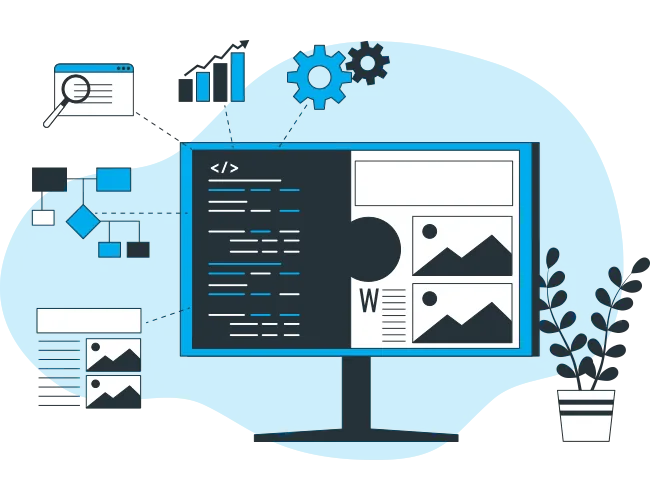
How it fits together
One flow from the order to the truck, and back again.
-
Your ERP or WMS
Orders leave the system you already run: an IDoc, a file drop, a database or an API, whatever your system produces.
-
A custom API
Built around your data as it actually is, so nothing is re-keyed and nothing is lost in translation.
-
Tablets on the floor
Storepeople pick from the order on an Android tablet and confirm as they go.
-
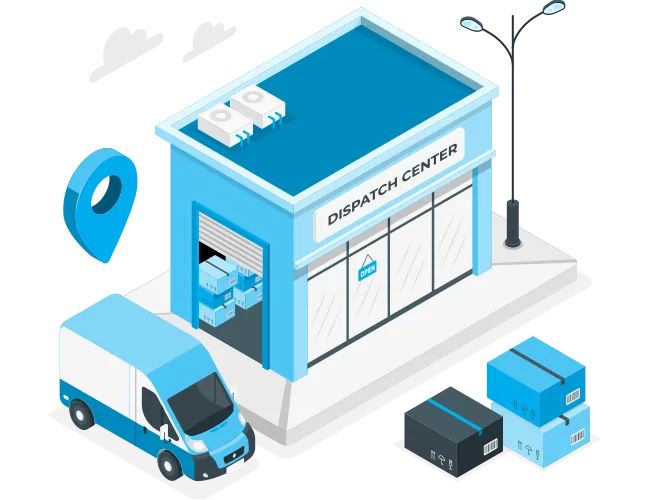
DispatchHub
The picked order arrives in DispatchHub ready to consign, label and manifest.
-
Back to your system
Picking and despatch results flow back, so your ERP or WMS stays up to date.
Why every integration is custom
Two businesses can run the same ERP and send completely different data. A connector that half-fits creates more work than it saves, so we start from your data, not from a template.
SAP
Most SAP systems can produce an IDoc, but no two are the same. It depends on where your IT team has mapped the data. We work from your IDocs as they really are.
Pronto
The file format depends on the distributor who set up your Pronto system. We build to the format you actually have.
Everything else
Files, databases, web services or a WMS: if your system can share its data, we can work with it.
Systems we have connected to
Each one built for that client's own setup.






Picking on Android tablets
An app written for your warehouse, so the people on the floor work from the live order instead of paper.
Orders on the tablet
Pick lists arrive on the tablet from your ERP or WMS, in the order your warehouse works.
Confirm as you pick
Storepeople confirm each line as it is picked, so what is despatched matches what was ordered.
Shortages reported straight away
A short pick is recorded on the floor and sent back, not discovered later on an invoice.
Straight into despatch
When picking is finished, DispatchHub is updated, ready for the consignment and labels.
Built for your process
Screens follow how your warehouse actually runs, not a generic template you have to work around.
Android tablets
Runs on Android, the same platform as our Sign On Glass driver app.
How a project runs
-
Step 1
Discovery
We look at real samples of your data, such as IDocs, export files or database tables, and talk to the people who use them every day.
-
Step 2
Design
We agree with you, and your IT team or system provider, exactly which fields map where and what each screen does.
-
Step 3
Build and test
We build the API and the app, then test against your own data before anything reaches the warehouse.
-
Step 4
Rollout
We go live with your team and make sure the people on the floor are comfortable using it.
-
Step 5
Support
When your ERP or WMS is upgraded or changes its data, you deal with the same team that built your integration.
Tell us what your systems are
Send us your ERP or WMS and how your warehouse picks today, and we will tell you how we would connect it.